
Integrations
Connect Slack to Hirevalu
Connect Slack to Hirevalu and get a weekly hiring digest — funnel, recommendations, top candidates and completion trends — posted to a channel you choose.
Connecting Slack sends your team a clean, weekly hiring digest — no dashboards to open. Once a week Hirevalu posts a summary of everything that happened across the positions on your subscription, straight to a Slack channel you choose.
What’s in the weekly summary
Each message is a self-contained snapshot of the past week:
- Candidate funnel — Invited, In progress, Completed, and Expired (split into those who opened the invitation email and those who never did), each with its share of the total.
- Recommendation breakdown — how many candidates landed in Very Strong, Strong, Moderate, and Less.
- Completions by position — where interviews are happening, and your top position for the week.
- Completion trend — a day-by-day view of completed interviews across the period.
- Top candidates — the highest-ranked candidates per position, with their score and recommendation.
- A live link — jump straight to your dashboard for up-to-date rankings.
1. Open the Notifications settings
In Hirevalu, go to Account settings → Notifications. You’ll see the Slack card with everything the weekly summary includes.
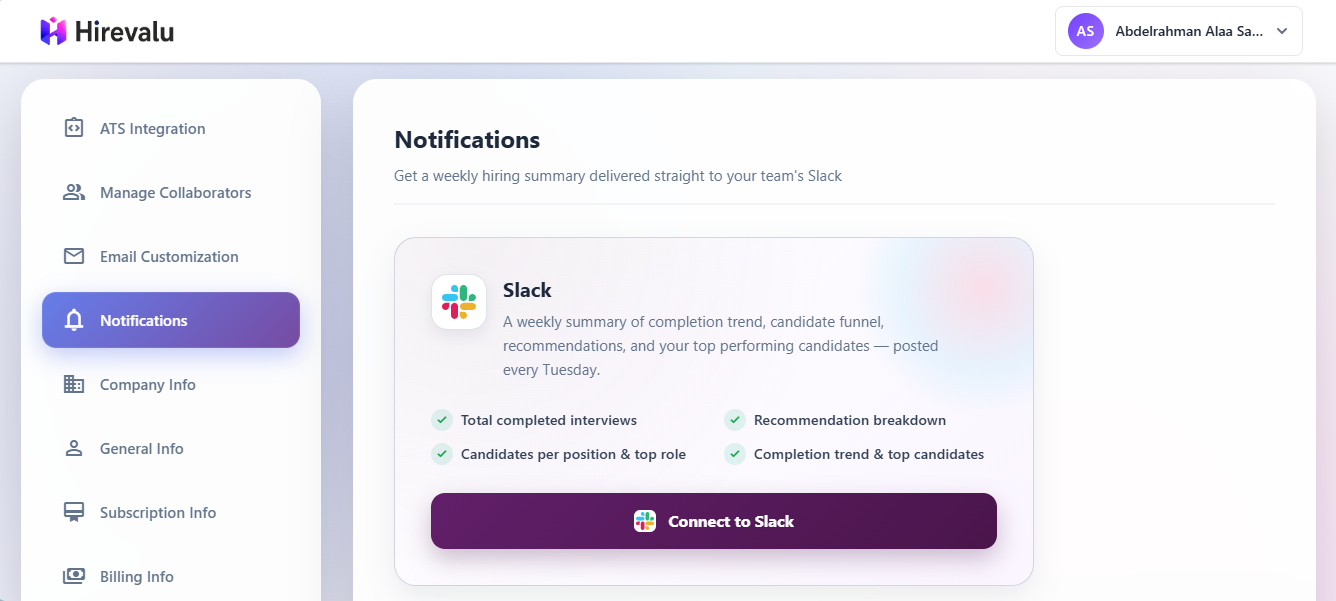
2. Add to Slack
Click Add to Slack. Slack asks you to sign in (if you aren’t already) and to choose which channel the summary should be posted to — pick an existing channel or create a new one, then approve.
Hirevalu only requests permission to post messages to the channel you select. It cannot read your conversations or access any other channel.
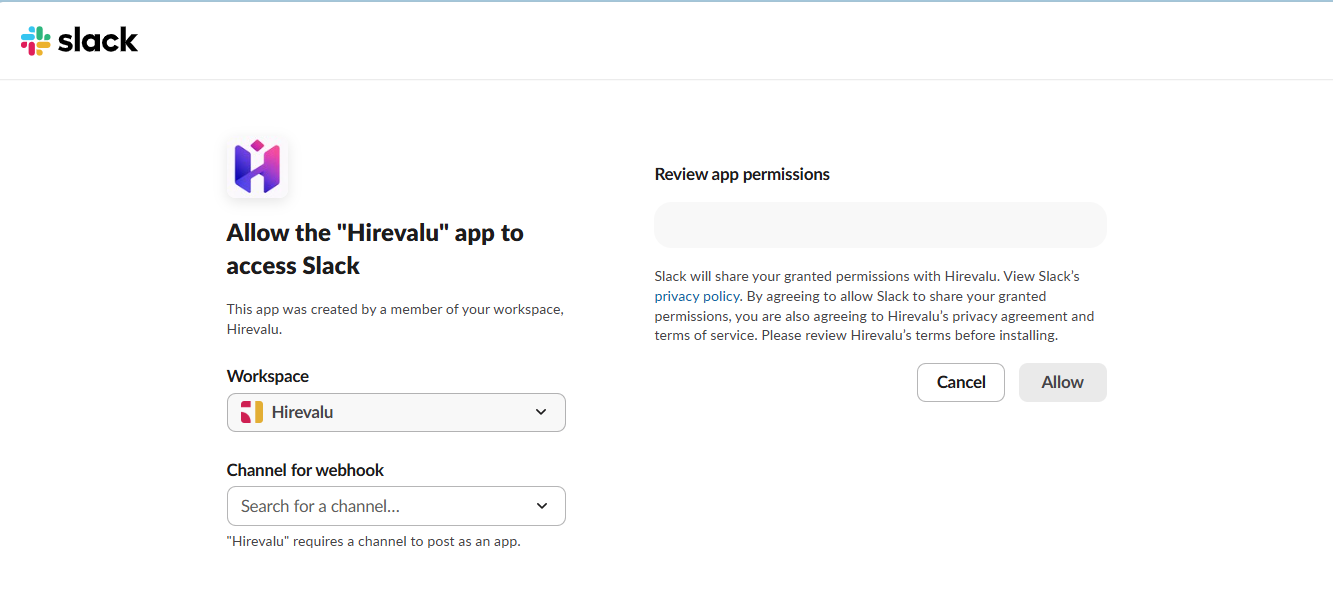
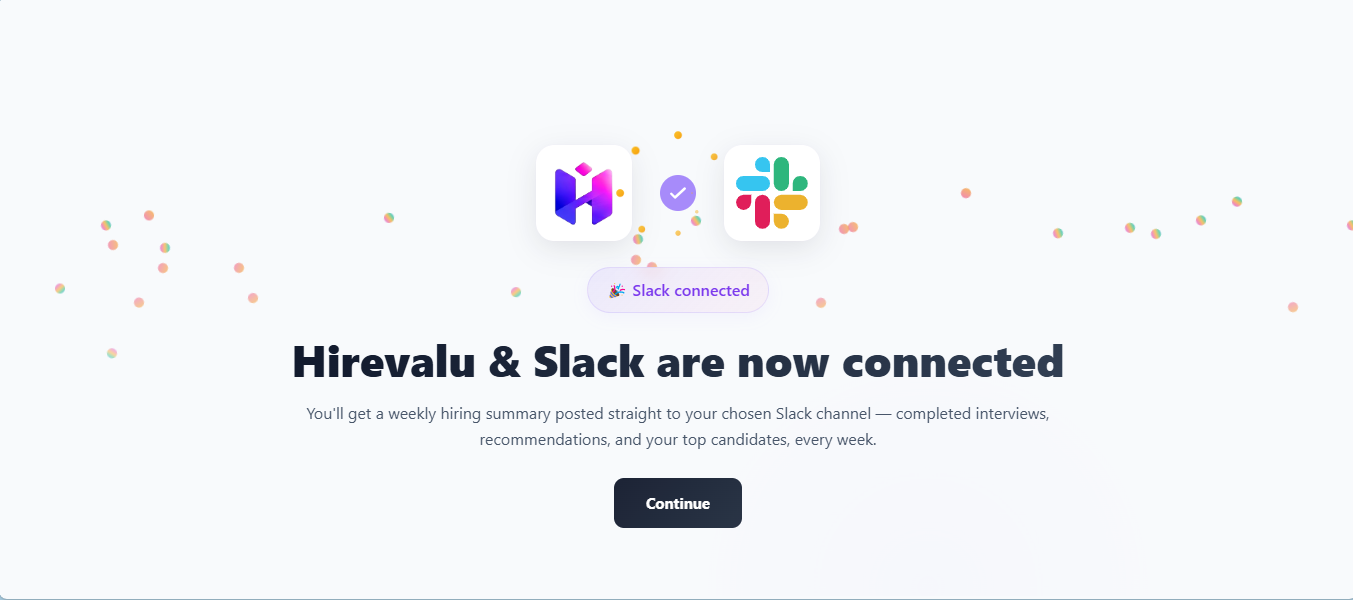
3. You’re connected
After you approve, you’re returned to Hirevalu and the Slack card shows the connected workspace and channel. That’s it — the first digest arrives on the next weekly send.
Managing updates
- Pause or resume — use the Weekly updates toggle on the Slack card to temporarily stop the digest without disconnecting. Turn it back on any time.
- Disconnect — click Disconnect to remove the integration entirely. You can reconnect later and choose a different channel.
How it works
- Cadence — the summary is sent once a week, so the channel stays useful and never noisy.
- Scope — the digest only covers the positions on your subscription.
- Delivery — Hirevalu posts through a Slack incoming webhook created during authorization. The target channel is the one you chose at connect time; to change it, disconnect and reconnect.
Troubleshooting
| Symptom | Likely cause |
|---|---|
| No message arrived this week | Updates are paused (check the Weekly updates toggle), or there was no candidate activity in the period |
| Messages go to the wrong channel | The channel is chosen during authorization — disconnect, then reconnect and pick the right one |
| The card still shows “Add to Slack” | Authorization didn’t complete — start Add to Slack again and approve the final screen |
More platforms coming soon
Slack is the first of several delivery options. These are on the way:
| Platform | Status |
|---|---|
| Slack | Available |
| Microsoft Teams | Coming soon |
| Discord | Coming soon |
| Google Chat | Coming soon |
Want your team’s tool supported next? Let us know at support@hirevalu.com.